Step 1:
To create a Site, you can click on the All Clients navigation bar item, found on the left beneath the CLIENTS sub-heading.
Click on the Show Deleted Clients button as shown below.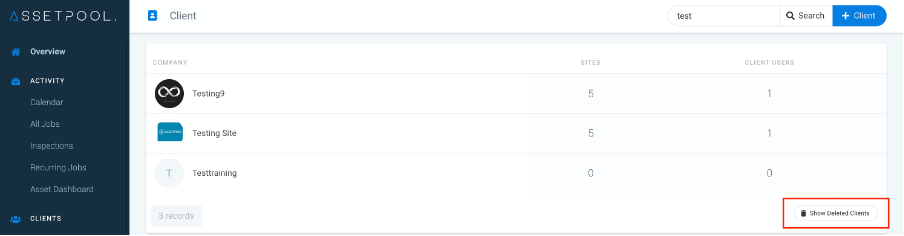
Step 2:
Search for the Client to be recovered and click on the Recover button as shown below.
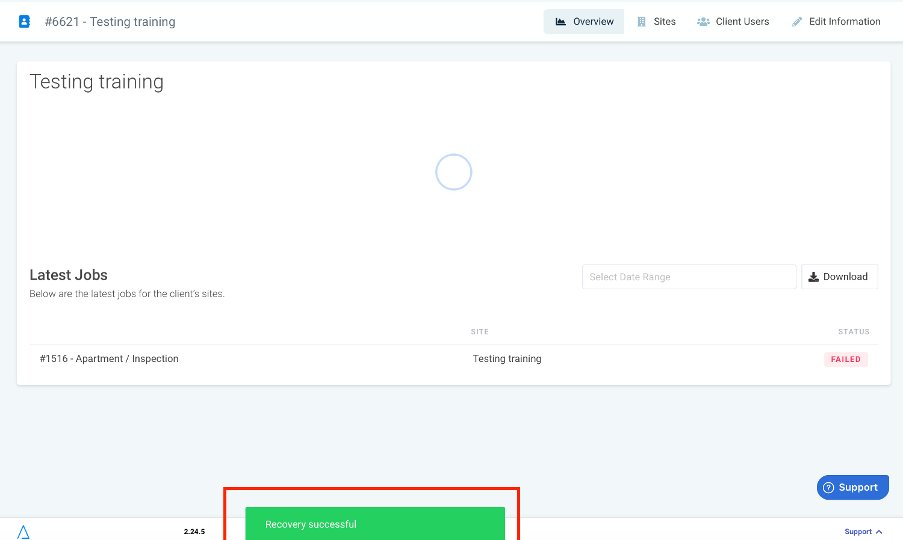
You will get confirmation of the recovery as shown below.
If the Client has lots of Sites and Assets, recovery will take a few minutes.
Was this article helpful?
That’s Great!
Thank you for your feedback
Sorry! We couldn't be helpful
Thank you for your feedback
Feedback sent
We appreciate your effort and will try to fix the article